|
Digital Future specializes in developing human voice computer synthesis software (text-to-speech software) for Desktop and Mobile computers (currently Windows Mobile Classic (Smartphone)).
Providing exceptional voice quality for mobile devices, we are able to offer the most powerful text-to-speech software for Windows Mobile Classic (Smartphone) on the market.



Supported languages:
 | U.S. English |
Listen to voice demos below:
Additional voice demos (currently David supported):

Please choose a voice, enter text below, and hit "Synthesize the Text":
With TextSpeech Pro for Windows Mobile Classic (Smartphone), you will be able to:
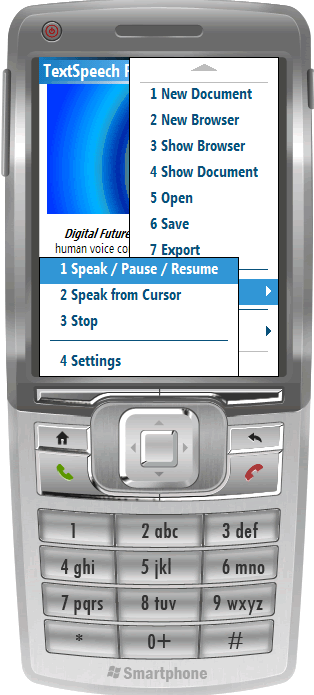
- Synthesize speech from web and textual documents (text, HTML, etc.);
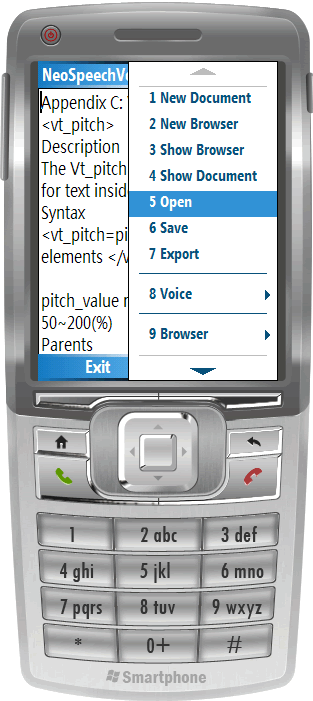
- Browse to Internet using a feature-rich web browser and listen to any web page being converted to human speech;
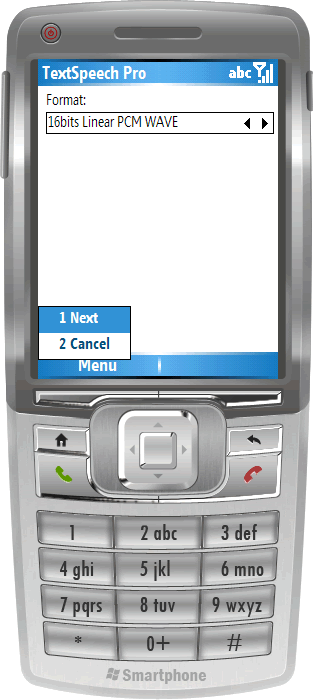
- Export text to a variety of audio file formats;
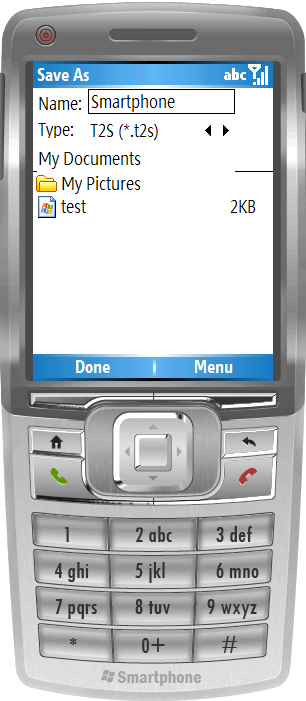
- Use a text editor to convert typed text to speech and then save the created documents for future use;
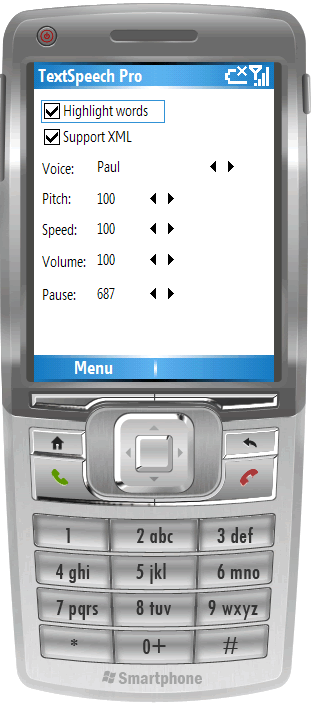
- Modify voice properties like voice type, pitch, speed, volume, pauses between sentences, etc.;
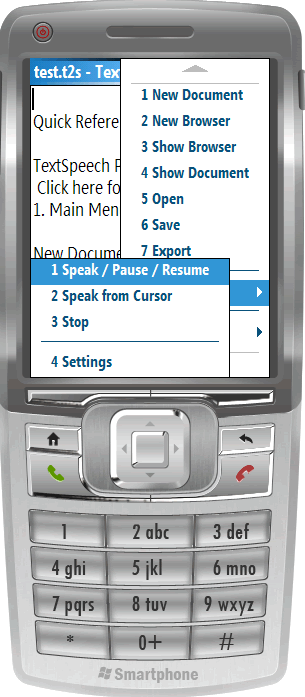
- Pause then resume the speaking voice;
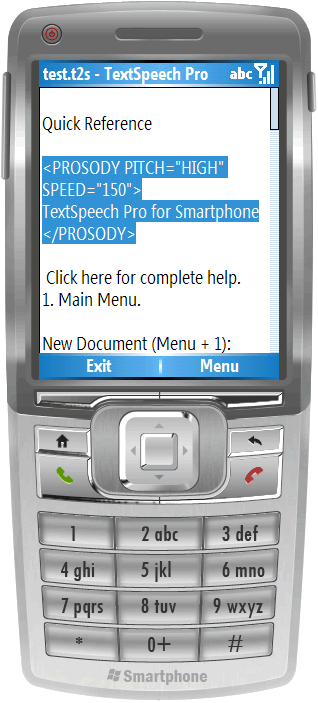
- Further tune the speech output using standard XML tags;
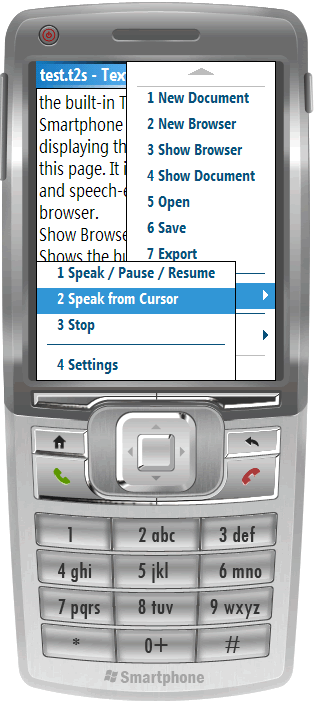
- Instruct the program to speak only certain parts of a document;
- Instruct the program whether to highlight the words while the speech is in progress;
Click the "Buy Now" button to obtain the software or read further if you need more information.
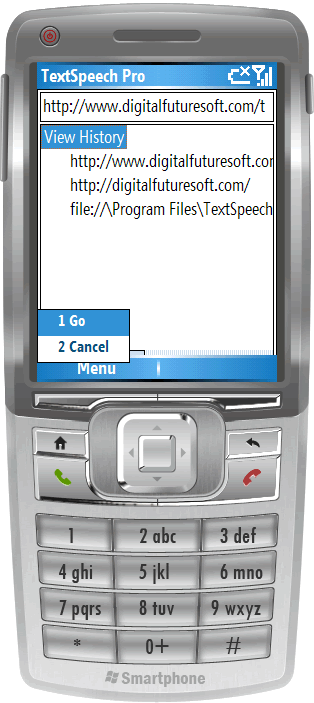
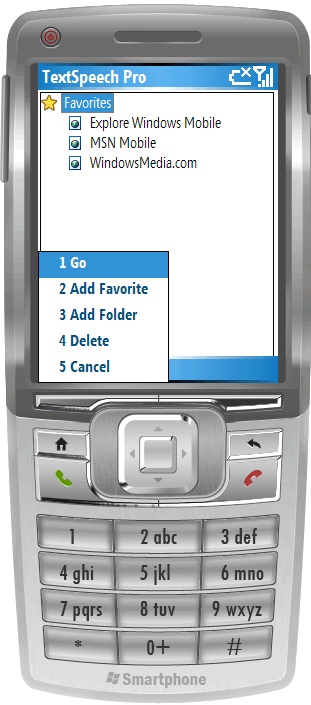
More Screen Shots of TextSpeech Pro for Windows Mobile Classic (Smartphone):
|
|